Turn one long video into a week of short content.
ClipSnitch is a clip editor for your own podcasts, interviews, lessons and recorded conversations. It suggests the moments worth sharing, keeps the speaker in frame, adds animated captions, and gives you an editor to make each clip your own. Download the result, or publish it to YouTube, LinkedIn, Instagram and TikTok on any plan and schedule it on a paid plan.
MP4, MOV, MKV or WebM · landscape, square or upright (9:16) videos
One conversation. More to share.
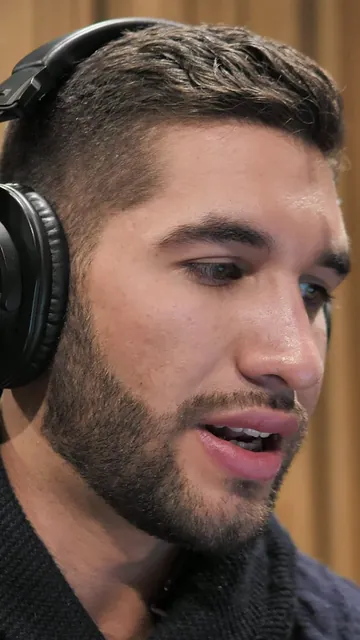
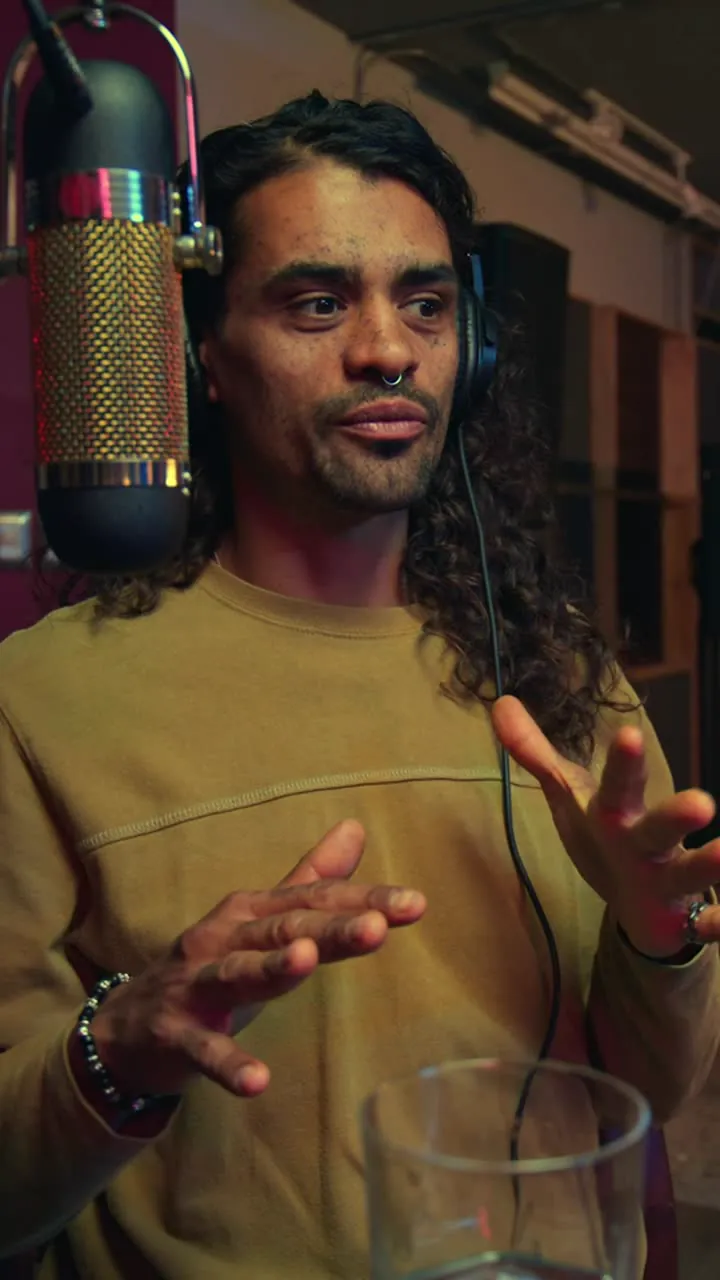
Six real excerpts from the same interview, ready for a closer look.
Stock footage · Mixkit · Interviews
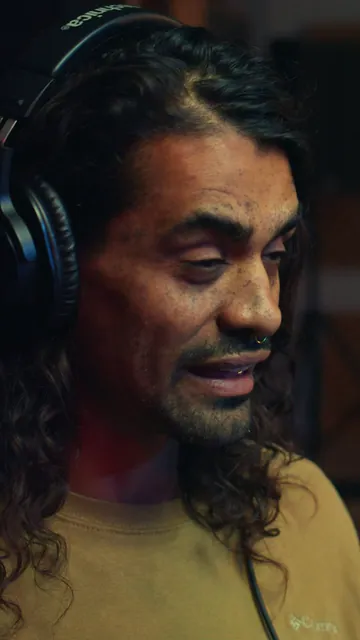
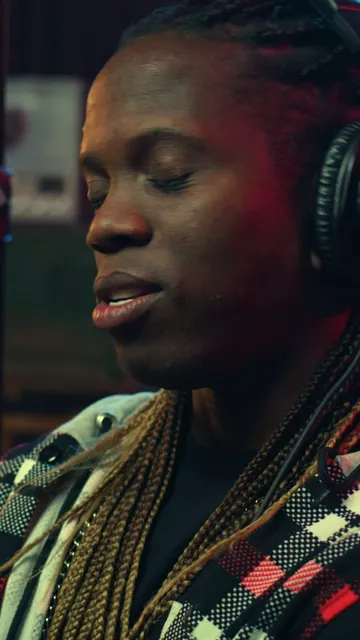
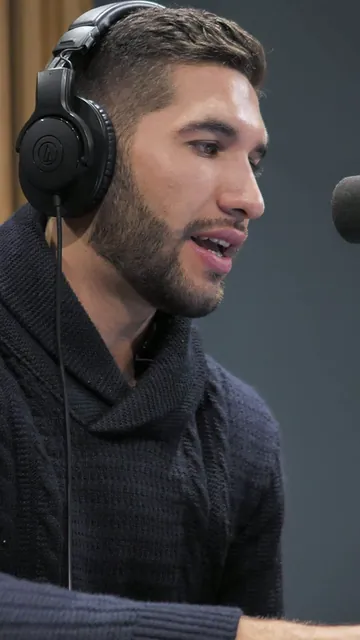
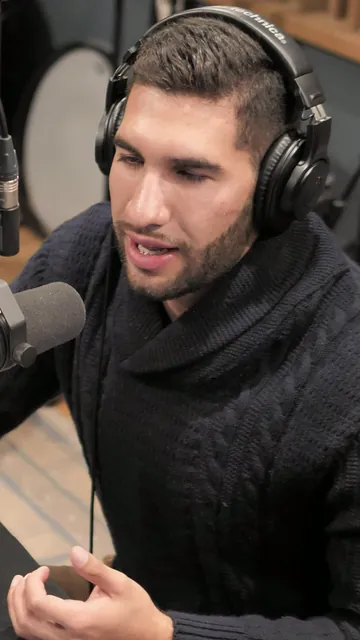
Publishing needs a connected account; scheduling needs a paid plan.
Illustration. Extension depends on the original source and the clip’s eligibility.
Select a passage in the middle. Watch the remaining sections join.
Illustrative editor controls. Your original stays intact.
New and diferent.
Illustrative text edit. The original audio stays unchanged.
Licensed stock footage, reframed by ClipSnitch. Animated workflow preview.
Free posting
YouTube, LinkedIn, Instagram, TikTok
15 caption styles
Animated, word by word
Captions in 34 languages
Translate any clip's captions
Filler and silence removal
Cut the ums and long pauses
Brand templates
Your style, saved once
Trusted by creators and businesses in different countries
Example clips: Mixkit stock footage, reframed by ClipSnitch.
How ClipSnitch helps
Clip it. Polish it. Publish it.
The whole job in one place, from a long recording to posts on every platform.
Clip it
Find the moments worth sharing
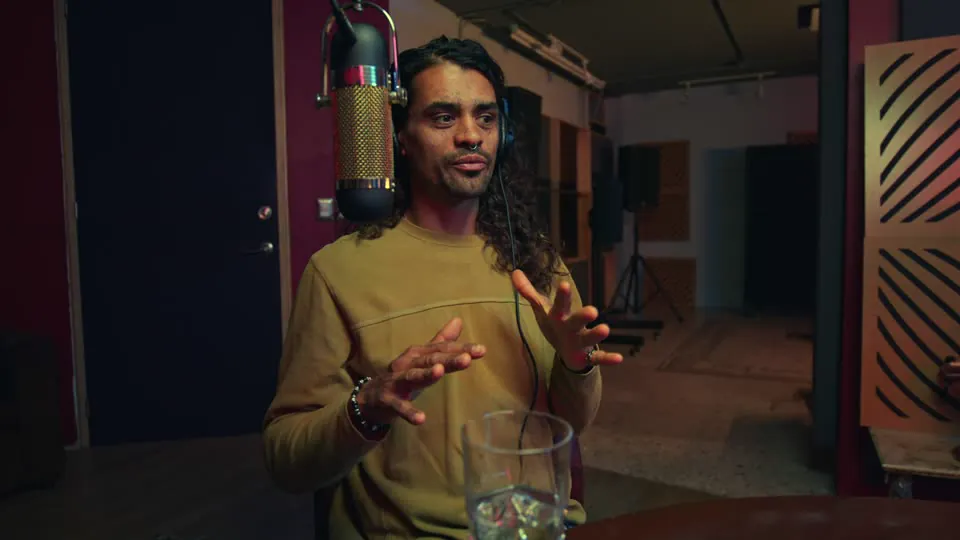
ClipSnitch reads the whole recording, suggests moments that stand on their own, each with a score, and crops them to 9:16 around whoever is talking.
- A score on every suggested clip
- Export in 9:16, 1:1, 4:5 or 16:9
- Split screen when two people talk
Polish it
Make every clip yours
Fix any caption word, pick an animated style, cut filler words and long pauses, add B-roll, music and your logo, and save it all as a brand template.
- Animated captions you can edit word by word
- Caption translation into 34 languages
- Background noise, filler-word and silence removal
Publish it
Post everywhere from one place
Connect YouTube, LinkedIn, Instagram and TikTok and post straight from ClipSnitch on every plan, Free included. Paid plans can also schedule up to 90 days ahead and see every post in a calendar.
- Post now on every plan, Free included
- Schedule up to 90 days ahead on paid plans
- A suggested title and caption for each platform
- YouTube
- TikTok
For podcasters
Give every episode more life.
Find self-contained moments, follow the speaker, and keep your show’s style.
Explore the workflow →For YouTube creators
Your long video. Your next Shorts.
Prepare vertical cuts with captions, then download, publish, or plan your next posts.
Explore the workflow →Why ClipSnitch
Built for people who talk on camera
Posting is free
Every plan, Free included, posts straight to YouTube, LinkedIn, Instagram and TikTok. You pay for more minutes and scheduling, not for the right to post.
Made for conversations
The frame follows whoever is talking and can switch to a split screen or a grid when several people are on camera, so interviews and panels don't lose anyone.
Fair, simple pricing
Minutes are based on the length of the video you upload, not the number of clips you keep. Every payment can be refunded in full within 14 days.
See side-by-side comparisons: ClipSnitch vs OpusClip · ClipSnitch vs Klap · ClipSnitch vs Vizard
Repurpose a recording, keep your voice.
ClipSnitch is a clip editor for your own recordings: AI finds strong moments in a long video and cuts them into short clips you can review and refine. ClipSnitch doesn’t create footage, images, voices or music with AI: clips are cut from your recording, plus anything you choose to add in the editor. Start with a podcast, interview, coaching session, lesson, comedy conversation or political discussion with clear speech and visible speakers.
Creators and video agencies can reuse a caption style across projects and post vertical clips to Shorts, Reels, TikTok and LinkedIn. You choose the moments and check the context before sharing; direct publishing works on every plan, and scheduling requires a paid plan.
Make Instagram Reels from your recordings with editable captions and a vertical crop, then download the clips to upload yourself.
Need the words before the clips? Transcribe a video or podcast episode and download timestamped text or subtitle files.
Want the whole video captioned instead? Add subtitles to a video — correct every word, pick a style and download the captioned video or SRT and VTT files.
Pauses and ums slowing a recording down? Remove silence from a video or audio file or remove filler words like um and uh, reviewing every cut before you download.
Follow a video-to-Shorts walkthroughHow it works
Three steps to a week of content
Drop your video
Upload a file straight from your device, or paste a link to a video you own on Google Drive or Dropbox.
Let the AI work
We transcribe, analyze energy and hooks, and cut the highest-potential moments automatically.
Style and publish
Use your brand template, fine-tune in the editor, then download or publish to YouTube, LinkedIn, Instagram and TikTok. Paid plans can also schedule.
Questions people ask first
What kind of videos work best?
Recordings where people talk: podcasts, interviews, lessons, webinars and talks. Upload a file or pick it from Google Drive or Dropbox. Clear audio and visible speakers give the best clips.
What does the Free plan include?
60 minutes of uploaded video a month, every editing tool, and posting straight to YouTube, LinkedIn, Instagram and TikTok. Free clips carry a small watermark and projects are kept for 3 days. No credit card needed.
Can I schedule posts?
Yes, on Creator and Pro: pick a time up to 90 days ahead and manage every post from the calendar. On the Free plan you post right away.
How are minutes counted?
By the length of the video you upload, rounded up to the next minute, not by the number of clips you make. A 12-minute video uses 12 minutes of your allowance.
Can I cancel or get a refund?
Yes. Cancel any time from Billing and your plan stays active until the end of the period you paid for. Every payment can be refunded in full within 14 days, no questions asked.
Your next great clip is already in your last video.
Upload your footage, review the highlights, and make them yours. Start free and explore the full workflow with your own recording.
MP4, MOV, MKV or WebM · landscape, square or upright (9:16) videos