One video.
So much more.
Your best moments, made for a whole new audience.
It starts with one conversation.
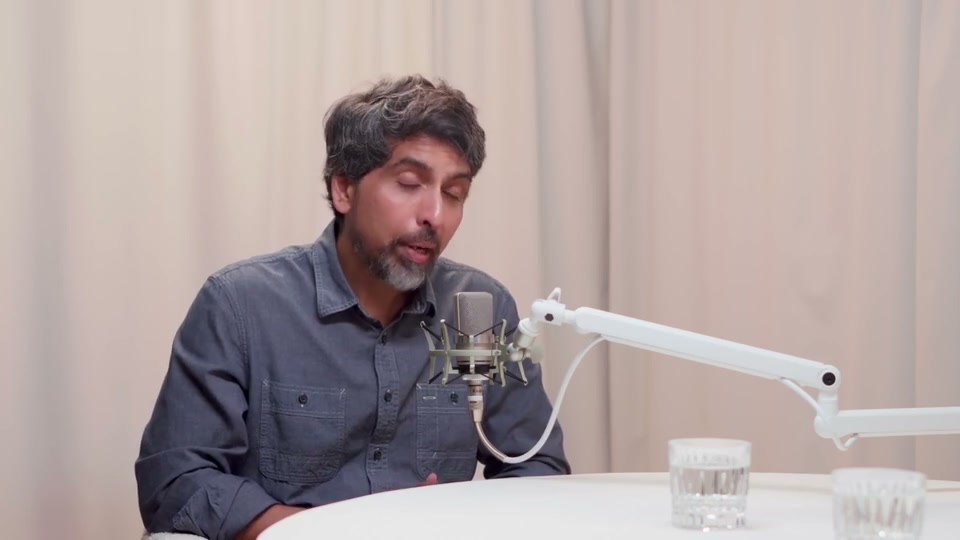
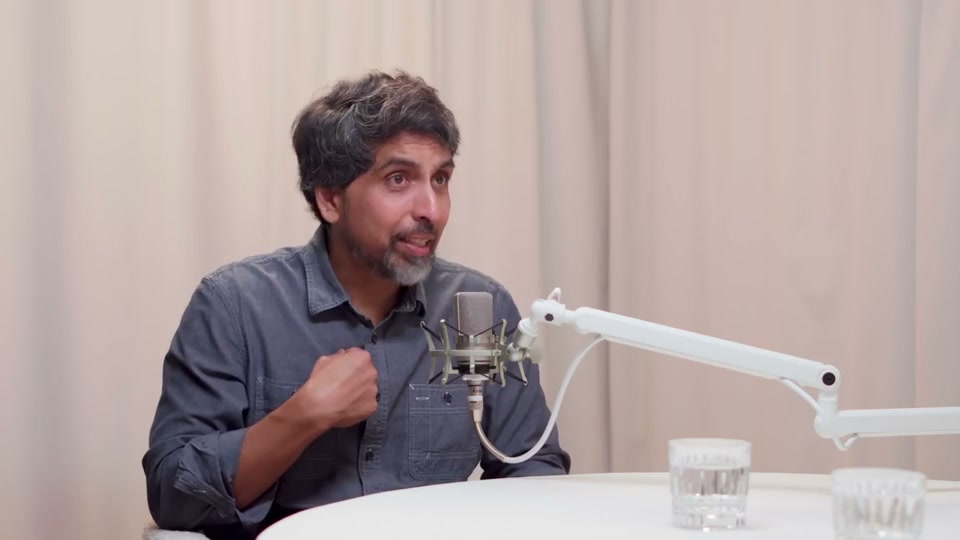
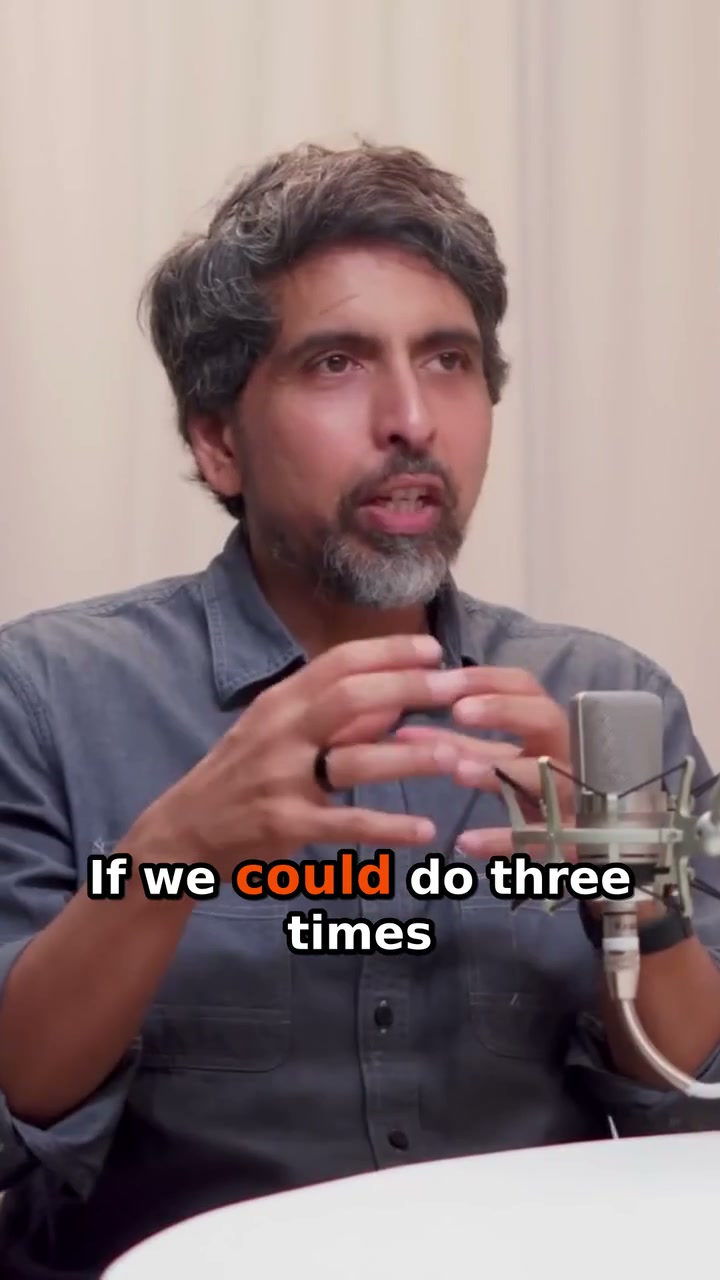
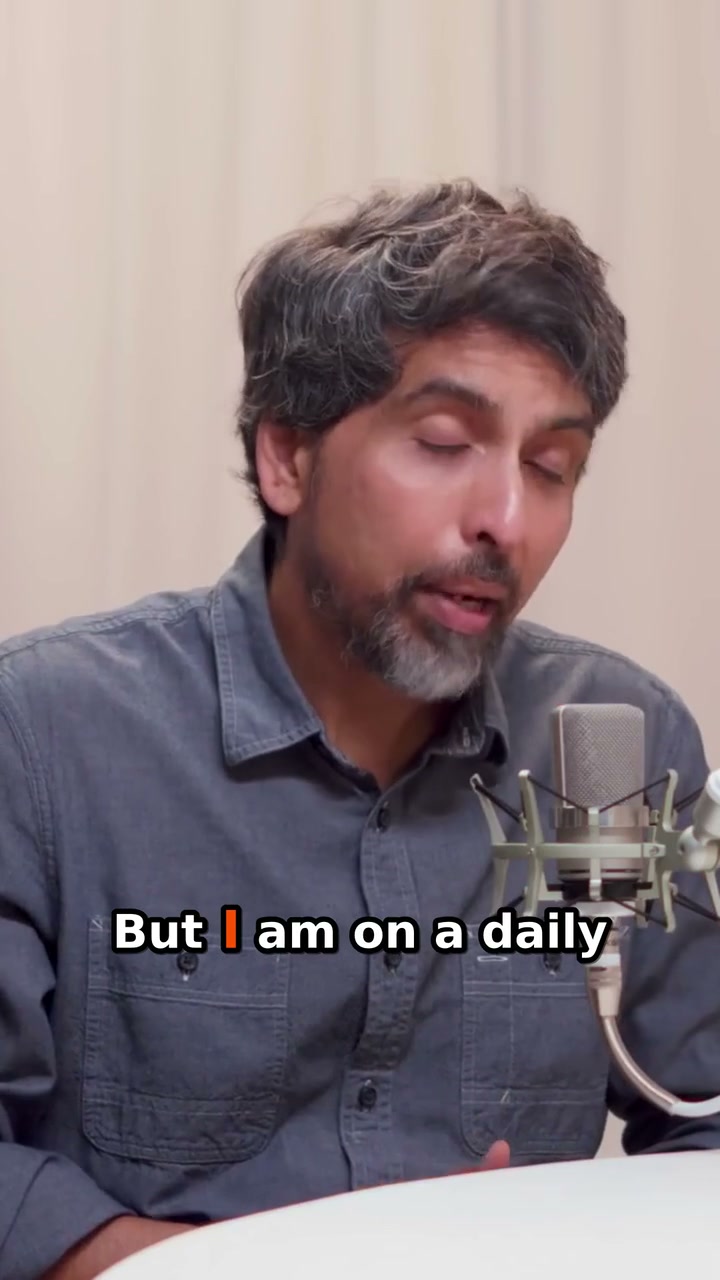
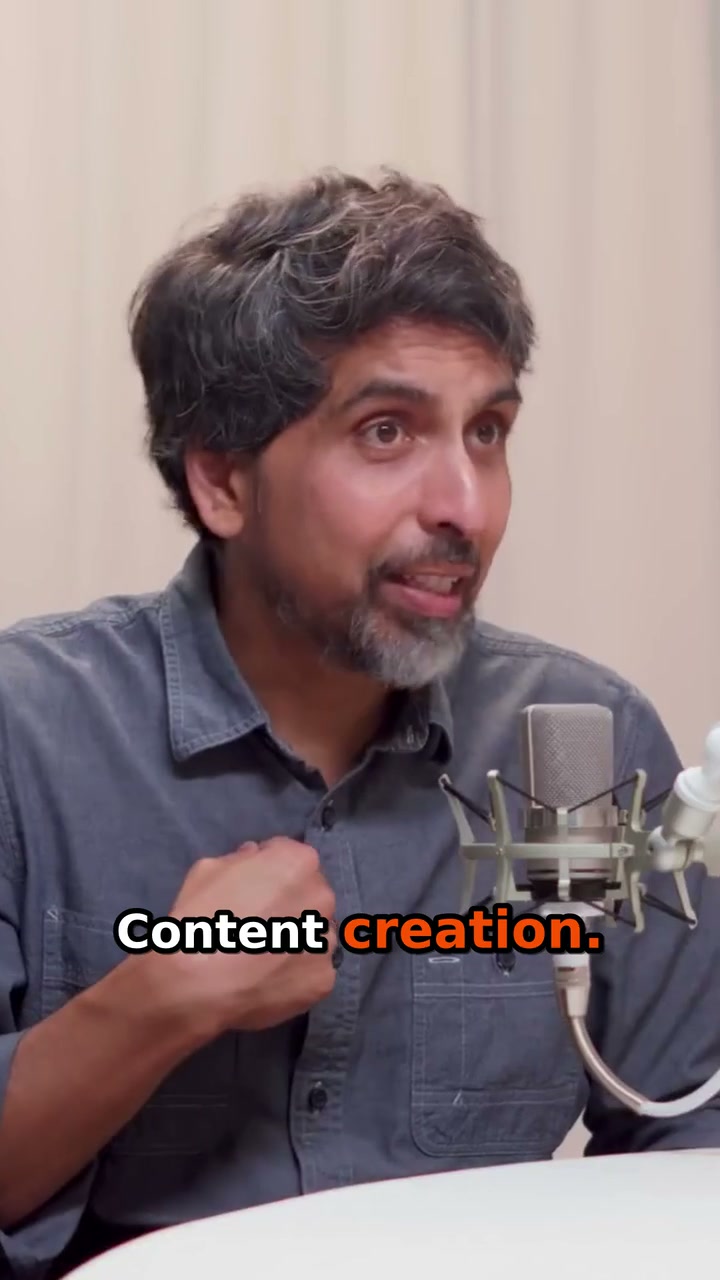
Real Sal Khan clips. An illustrated journey from upload to share.
Same story.
New perspective.
The speaker stays in focus.
The words come to life.
Your audience gets the good part.
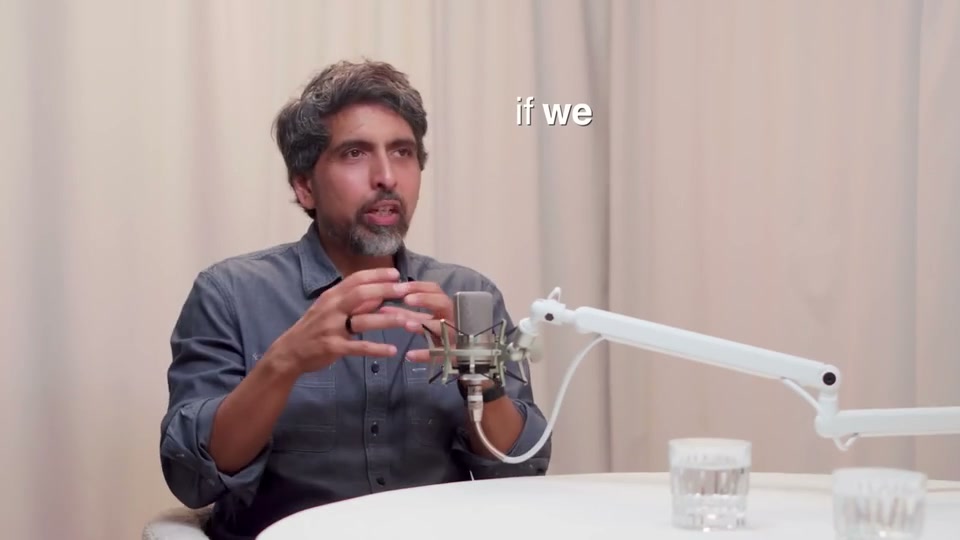 Your original video
Review the auto captions
Open the clip editor and read the captions alongside the audio. Correct names, numbers and specialist terms, choose a caption style and check readability on a small screen. Captions follow the language spoken in the recording; this workflow does not translate speech into another language.
Turn horizontal footage into vertical clips
Speaker-aware framing prepares a 9:16 crop from the selected moment. Watch each speaker change, adjust the framing where needed and preview the whole clip before exporting. The sample above shows how the landscape recording becomes a vertical speaker view.
Meet your next three posts.
Real clips. Press play.
Featuring Sal Khan
Make room for
your next big idea.
in this example
Explore the estimate
Illustrative, not measured: one full watch-through plus 9 minutes editing each clip, versus 3 minutes reviewing each prepared clip. Upload and processing time excluded.
What can I turn into clips?
Podcasts, interviews, panels—start with a conversation worth sharing. Clear audio and visible speakers work best.
Can I make the clips my own?
Absolutely. Review the moments, trim the edges, adjust the framing, and give the captions your style. Save reusable brand templates for your next clips. You have the final say.
How long does it take?
Timing depends on your recording, the number of clips, and processing demand. Follow progress in your workspace. The story above is an accelerated illustration using real finished clips.
Where can I share them?
Download your clips for your favorite platforms. Connect YouTube to publish or schedule up to 90 days ahead with an eligible paid plan, then manage your posts from the workspace calendar.
Do I need to upload a video to try this?
No—the samples here are ready to play. When you’re ready, choose Create Your First Clip to start with your own video.