01
Add your recording
Upload a video from your computer, choose it from Google Drive or Dropbox, or paste a link to a YouTube video you own. Pick a clip length, from up to 30 seconds to 3 minutes, or leave it on Automatic.
VIDEO CLIPPER · CLIPPING APP
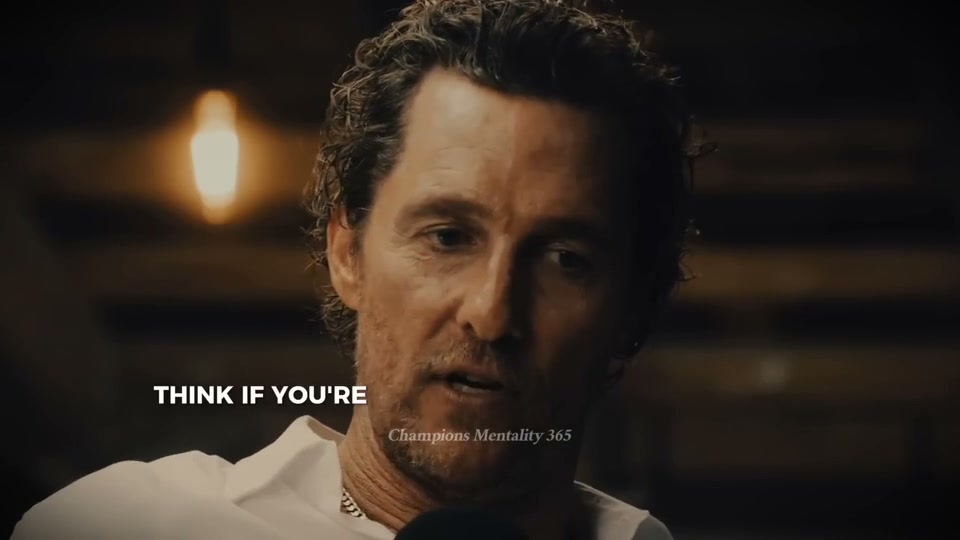
Upload a podcast, interview, webinar or stream you made, or paste a link to your own YouTube video. ClipSnitch suggests moments that stand on their own, frames the speaker for vertical video and adds captions you can edit.
MP4, MOV, MKV or WebM · landscape, square or upright (9:16) videos
Free plan available. YouTube publishing and scheduling are paid features. See plans and free allowance
The conversation
Your vertical clip
01
Upload a video from your computer, choose it from Google Drive or Dropbox, or paste a link to a YouTube video you own. Pick a clip length, from up to 30 seconds to 3 minutes, or leave it on Automatic.
02
ClipSnitch reads the transcript and suggests moments that make sense without the rest of the video. Trim the start and end, fix caption words and check the vertical framing before you export.
03
Download clips as MP4 files, or on a paid plan post them to YouTube or LinkedIn, now or at a time you choose.
ClipSnitch is a clipping app for recordings you made or have permission to use. It doesn’t download other people’s videos.
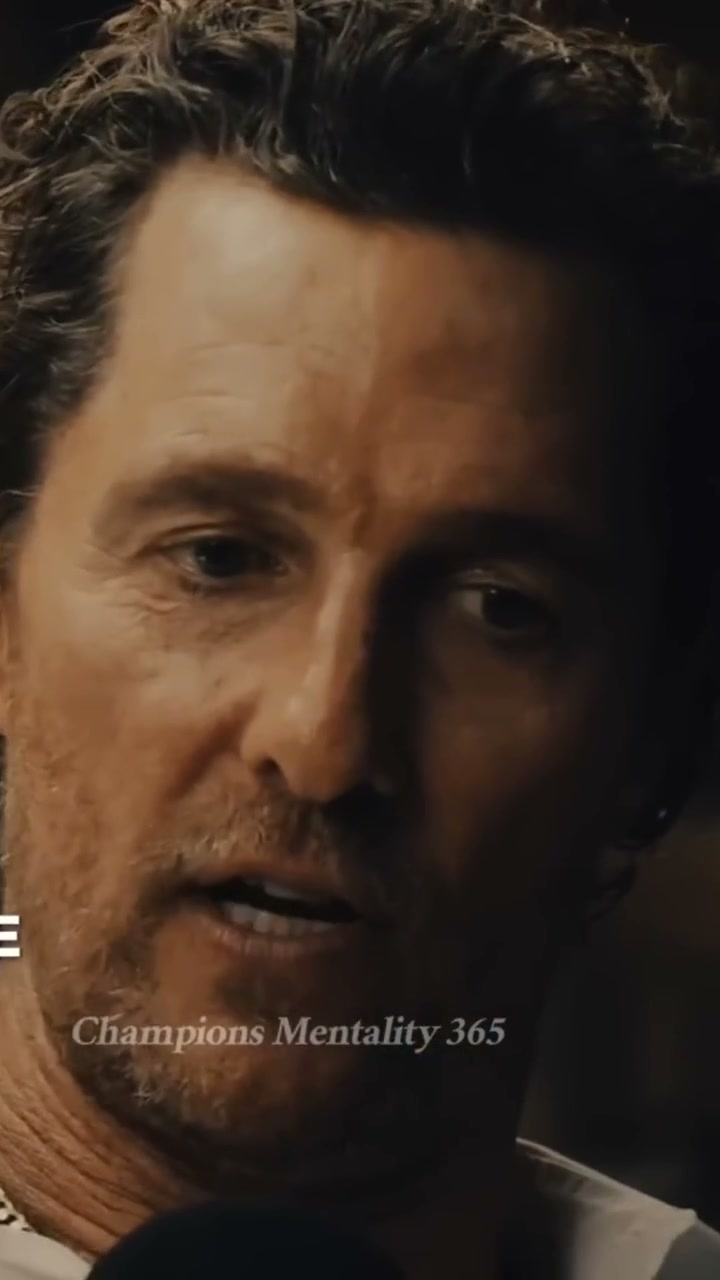
Conversations with one or more speakers. The vertical crop follows whoever is talking, so both sides of an interview can become clips.
Long presentations hide short answers. Pull out a definition, a tip or a story, add captions and share it where your audience is.
Paste a link to your own YouTube video instead of downloading and uploading it again. Private or restricted videos may not import.
A FINAL CHECK, BEFORE YOU POST
Review the vertical crop before it reaches your audience.
Reuse caption styles and colors from your saved templates.
Plan YouTube posts in your calendar with an eligible paid plan.
A video clipper cuts a long recording into short clips. ClipSnitch also suggests which moments to clip, reframes them for vertical screens and adds captions, so you review clips instead of scrubbing through the whole video.
Yes, for your own channel. Paste a link to a YouTube video you own or have permission to use, and ClipSnitch imports it to make clips. It isn’t for downloading or clipping other creators’ videos.
Yes. The Free plan includes 60 minutes of uploads a month, and its clips carry a small watermark. Paid plans remove the watermark and add direct posting and scheduling.
You choose when you upload: up to 30 seconds, 30–60 seconds, 60–90 seconds, or 90 seconds to 3 minutes. Automatic lets each moment set its own length. You can trim any clip afterwards.
Download the MP4 files and use them wherever vertical video works, such as YouTube Shorts, Instagram Reels or TikTok. On a paid plan you can also post or schedule straight to YouTube and LinkedIn.
No. It helps you find and prepare clips; how a clip does depends on the content, your audience and each platform.
Choosing your workflow? Compare AI clipping tools before your first project.