Turn one long video into a week of short content.
ClipSnitch is an AI clip maker for podcasts, interviews, lessons and recorded conversations. It finds the moments worth sharing, keeps the speaker in frame, adds animated captions, and gives you an editor to make each clip your own. Download the result or publish and schedule to YouTube on a paid plan.
MP4, MOV, MKV or WebM · landscape, square or upright (9:16) videos
One conversation. More to share.
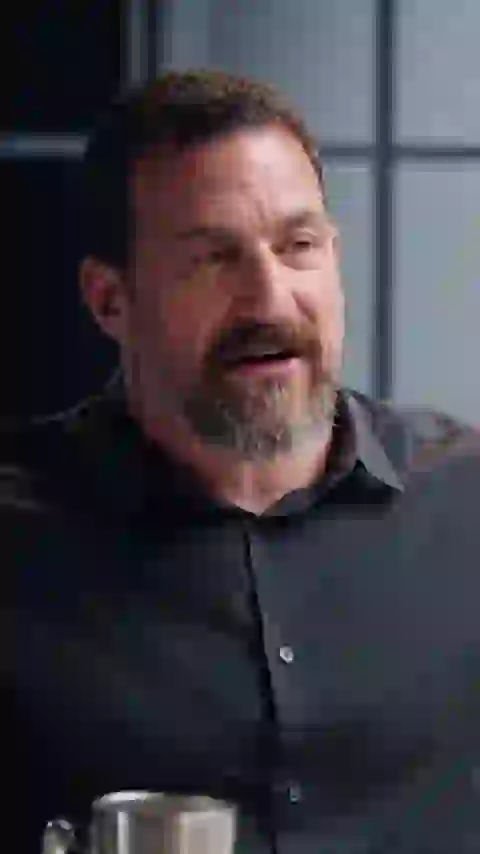
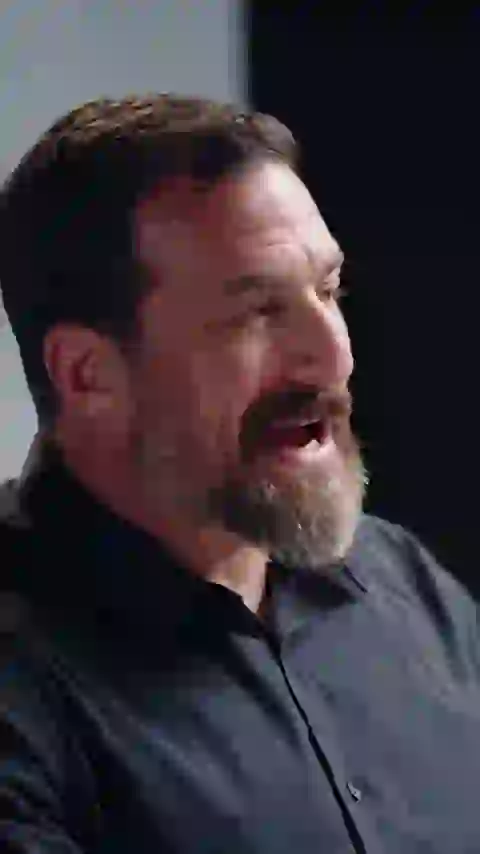
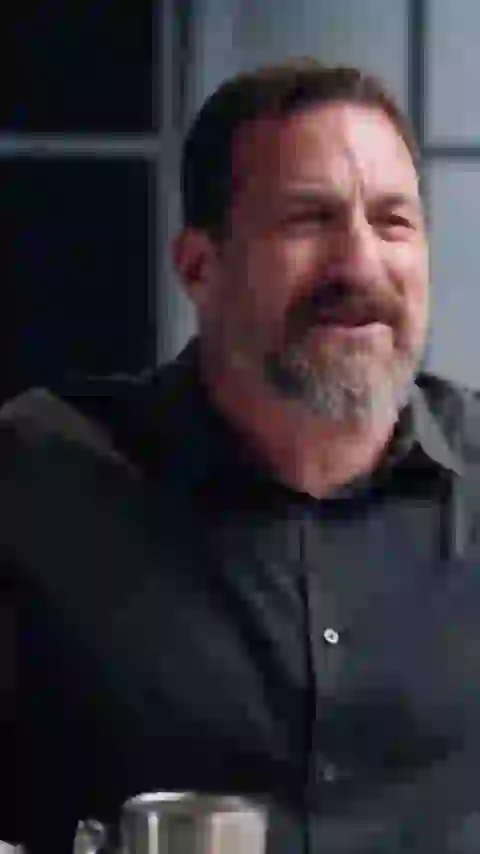
Six real excerpts from the same interview, ready for a closer look.
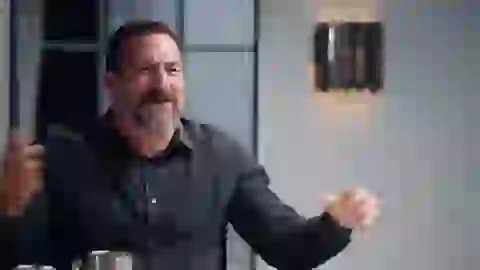
Focus and habits · Interviews
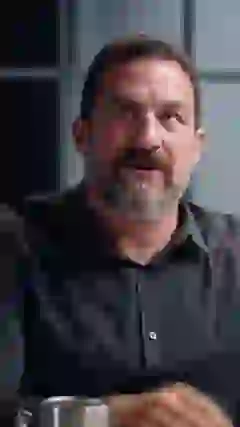
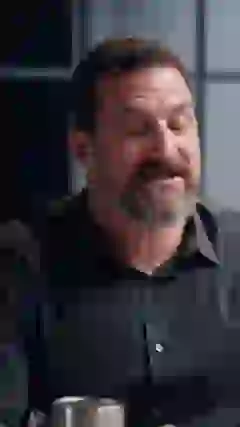
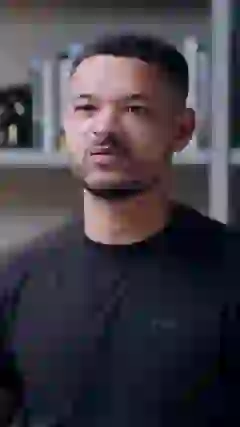
YouTube publishing requires a connected account and a paid plan.
Illustration. Extension depends on the original source and the clip’s eligibility.
Select a passage in the middle. Watch the remaining sections join.
Illustrative editor controls. Your original stays intact.
New and diferent.
Illustrative text edit. The original audio stays unchanged.
Real footage and exports. Animated workflow preview.
Read this clip
There's nothing special about the rubber band. There's nothing special about the pain on your wrist or that you put a sticky note. We know sticky notes work for about one day. Why don't sticky notes work? Why don't reminders on the mirror work? Because they don't have enough salience. They're not new. They're not different. The nervous system only changes if something is new and different.
Speaker-aware reframing
Built for vertical video
Animated captions
Styled and synchronized
YouTube publishing
Post or schedule on paid plans
For podcasters
Give every episode more life.
Find self-contained moments, follow the speaker, and keep your show’s style.
Explore the workflow →For YouTube creators
Your long video. Your next Shorts.
Prepare vertical cuts with captions, then download, publish, or plan your next posts.
Explore the workflow →9:16
vertical clips ready for Shorts
Styled
captions with animated highlights
1-click
publishing to YouTube
3 min
maximum clip length
Repurpose a recording, keep your voice.
ClipSnitch is a clip editor for your own recordings: AI finds strong moments in a long video and cuts them into short clips you can review and refine. ClipSnitch doesn’t create footage, images, voices or music with AI: clips are cut from your recording, plus anything you choose to add in the editor. Start with a podcast, interview, coaching session, lesson, comedy conversation or political discussion with clear speech and visible speakers.
Creators and video agencies can reuse a caption style across projects and download vertical clips for Shorts, Reels or TikTok. You choose the moments and check the context before sharing; direct publishing and scheduling to YouTube require an eligible paid plan.
Make Instagram Reels from your recordings with editable captions and a vertical crop, then download the clips to upload yourself.
Need the words before the clips? Transcribe a video or podcast episode and download timestamped text or subtitle files.
Want the whole video captioned instead? Add subtitles to a video — correct every word, pick a style and download the captioned video or SRT and VTT files.
Pauses and ums slowing a recording down? Remove silence from a video or audio file or remove filler words like um and uh, reviewing every cut before you download.
Follow a video-to-Shorts walkthroughEverything you need
From raw footage to ready-to-post
A complete pipeline that finds your best moments, styles them, and gets them out the door — all in one place.
AI clip detection
Our model watches the whole video and pulls the moments most likely to land — no scrubbing a timeline for the good parts.
Animated captions
Choose a caption style, adjust the words and colors, and preview the result before exporting.
Review the highlights
Use AI scores as a starting point. Watch the suggested moments, keep your favorites, and choose what represents your story.
Publish and schedule
Connect YouTube to publish or schedule up to 90 days ahead on a paid plan. Manage upcoming posts in your calendar.
Smart reframing
Speakers stay centered as clips are reframed to vertical — built for Reels, Shorts, and TikTok out of the box.
Your brand, saved
Save caption styles and colors as brand templates. Reuse your look across projects instead of setting it up for every clip.
How it works
Three steps to a week of content
Drop your video
Upload a file straight from your device, or paste a link to a video you own on YouTube, Google Drive or Dropbox.
Let the AI work
We transcribe, analyze energy and hooks, and cut the highest-potential moments automatically.
Style and publish
Use your brand template, fine-tune in the editor, and download. On paid plans, publish or schedule to YouTube.
Your next great clip is already in your last video.
Upload your footage, review the highlights, and make them yours. Start free and explore the full workflow with your own recording.
MP4, MOV, MKV or WebM · landscape, square or upright (9:16) videos